KYC walkthrough: PAN, Aadhaar, and address
A 10-minute KYC walkthrough from document to verified wallet.
What KYC is
KYC is the platform's identity verification step. By Indian law, every fantasy cricket platform must verify that you are 18+, that your PAN is real, and that you live in a permitted state. KYC is required before you can deposit. The walkthrough below covers the documents, the upload process, and the timing.

Why KYC exists
KYC is an anti-money-laundering and age-verification requirement under the Prevention of Money Laundering Act, 2002, and the Information Technology Act, 2008 (amended). All fantasy platforms in India must enforce KYC. The verification happens against the PAN database (Income Tax Department) and the Aadhaar database (UIDAI). Manual review is triggered on data mismatch.
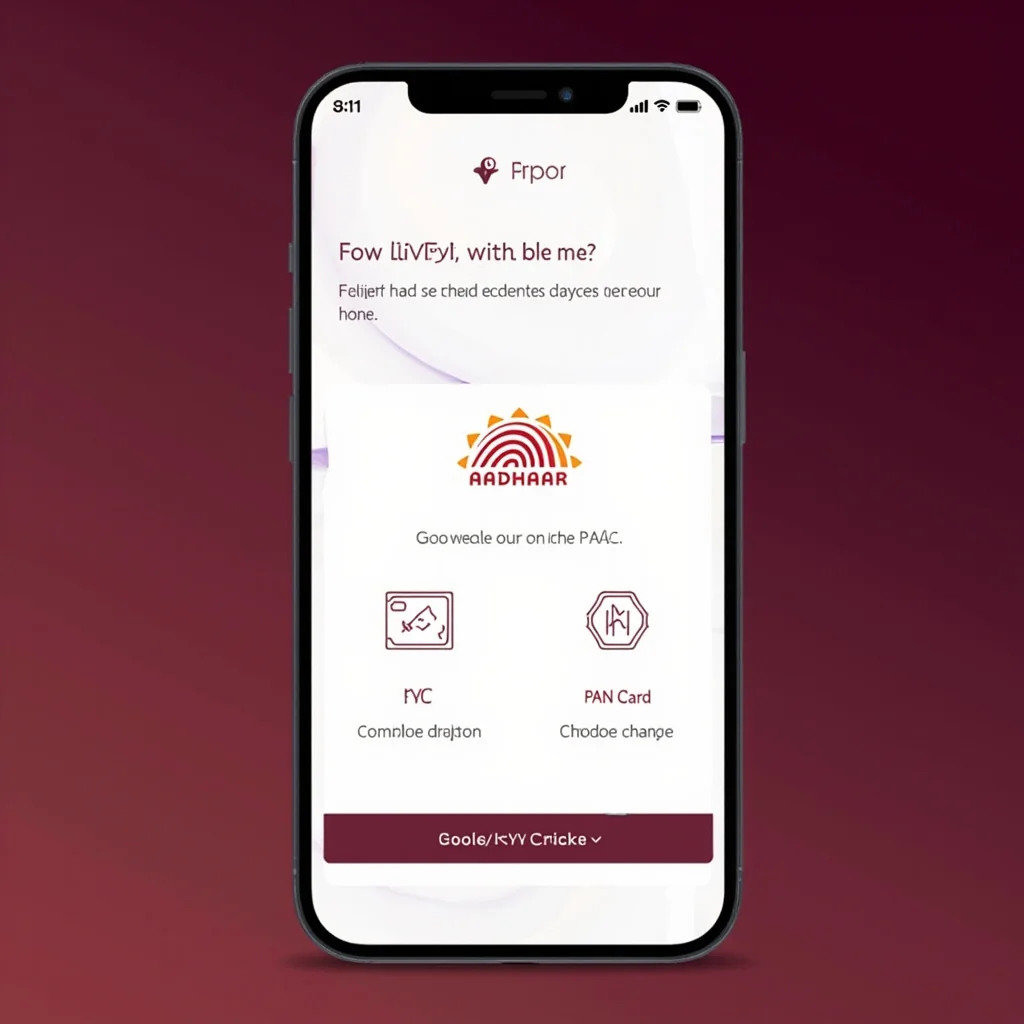
KYC flow: PAN, Aadhaar, video
Documents you need
Two documents: PAN (mandatory on every platform) and a secondary ID (Aadhaar is the most common; driving licence and voter ID are accepted on some platforms). Keep both in clear scan or photo form before you start the KYC flow.
Step-by-step KYC process
PAN upload requirements
Front of the PAN card only. Must be a clear photo or scan. Cropping out the QR code or any other element disqualifies the upload. The platform cross-checks the PAN with the Income Tax database — a fake PAN triggers a permanent account ban plus PAN misuse reporting.
Responsible play with KYC verified
Aadhaar upload requirements
Front and back of the Aadhaar card, OR the e-Aadhaar download (PDF from UIDAI). The e-Aadhaar is password-protected; the password is your name + date of birth (e.g. "JohnDoe1990"). The platform accepts either format. Cropping out the Aadhaar number disqualifies the upload.
Driving licence and voter ID as alternatives
Some platforms accept driving licence in place of Aadhaar. The driving licence is a single-sided document and is faster to upload. Voter ID is accepted on a few platforms for the address verification step. Always check the platform's accepted ID list in the KYC documentation before uploading.
KYC timing in business hours
Business hours (10am-7pm IST) on weekdays get the fastest KYC: 2-4 minutes. Off-hours and weekends can take 5-30 minutes. Manual review triggers KYC re-verification that can take 4-24 hours. The fastest KYC route is a clear, well-lit document scan uploaded during business hours.
KYC re-verification triggers
Five re-verification triggers. Name mismatch between PAN and Aadhaar. Blurry or cropped document scan. Aadhaar PAN link not established in the UIDAI database. Address mismatch between Aadhaar and platform profile. PAN already on file from a previous account (1-PAN-per-platform limit). Re-verification adds 4-24 hours to the KYC time.
Address verification step
A handful of platforms verify the address via a one-time Aadhaar OTP. The OTP triggers a UIDAI address fetch and matches the address on file. The OTP is fired after the document upload and adds 2-5 minutes to the KYC flow. If the Aadhaar address is outdated, update Aadhaar first via the UIDAI portal before KYC.
Video KYC
A few platforms offer video KYC for high-value withdrawals or restricted-state players. Video KYC is a 5-minute video call with a platform agent who verifies your PAN and Aadhaar live. Video KYC clears within 24 hours and is the highest-trust KYC tier.
KYC state-restriction check
The KYC step also verifies your state. Restricted states (Andhra Pradesh, Telangana, Assam, Odisha, Sikkim, Nagaland, select Tamil Nadu districts) are blocked at signup. The platform uses the KYC documents + IP address + mobile number state code to verify residency. If you live in a permitted state but have a restricted-state PAN, the platform blocks you.
What KYC does NOT do
KYC verifies identity, age, and address. KYC does NOT verify income source, credit history, or bank balance. KYC is not the same as a bank KYC — the platform KYC is a separate compliance layer.
KYC failure troubleshooting
Five fixes for KYC failure. Clear the document scan and re-upload. Match the name on PAN and Aadhaar exactly (case-sensitive in some platforms). Re-link Aadhaar to PAN via the UIDAI portal (takes 5-7 days). Use a different device if the upload form is buggy. Contact platform support with the KYC ticket ID if all else fails.
Editorial KYC walkthrough summary
The KYC step is non-negotiable on every platform and takes 2-30 minutes depending on document clarity and timing. Upload clear scans during business hours for the fastest path. The KYC is a compliance feature — do not try to bypass it. If your state is restricted, the platform block is correct.
What documents do I need for KYC?
PAN mandatory, plus Aadhaar (front+back or e-Aadhaar). Some platforms accept driving licence in place of Aadhaar.
How long does KYC take?
2-4 minutes during business hours with clear scans. Off-hours or manual review can take 4-24 hours.
Can I skip KYC?
No. KYC is required before any deposit. The platform cannot fund a wallet without a verified identity.
My state is restricted. Can I bypass?
No. The platform blocks signups from restricted states. Playing from a restricted state using a VPN is grounds for account closure and balance forfeiture.
What if my KYC keeps failing?
Check name match between PAN and Aadhaar, re-link Aadhaar to PAN via UIDAI portal, retry. If all else fails, contact platform support with the KYC ticket ID.