Download the fantasy cricket app
Download links, install walkthrough, and first-launch optimisation for all 10 apps.
Download links for all 10 apps
Below are download links and first-launch tips for each of the 10 fantasy cricket apps covered in the comparison. We link to the official app stores only — no third-party download sources. For Android, all 10 apps are on Google Play. For iOS, all 10 apps are on the App Store.
Dream11 — Android & iOS
Download from Google Play (search "Dream11"). iOS: App Store. First launch: enable notifications for captain swap alerts. App size: ~85 MB Android, ~110 MB iOS. First-install time: under 30 seconds on modern devices.
App features and capabilities
My11Circle — Android & iOS
Download from Google Play (search "My11Circle"). iOS: App Store. First launch: skip the tutorial walkthrough if you have read this site; it is repetitive. App size: ~60 MB Android, ~75 MB iOS.
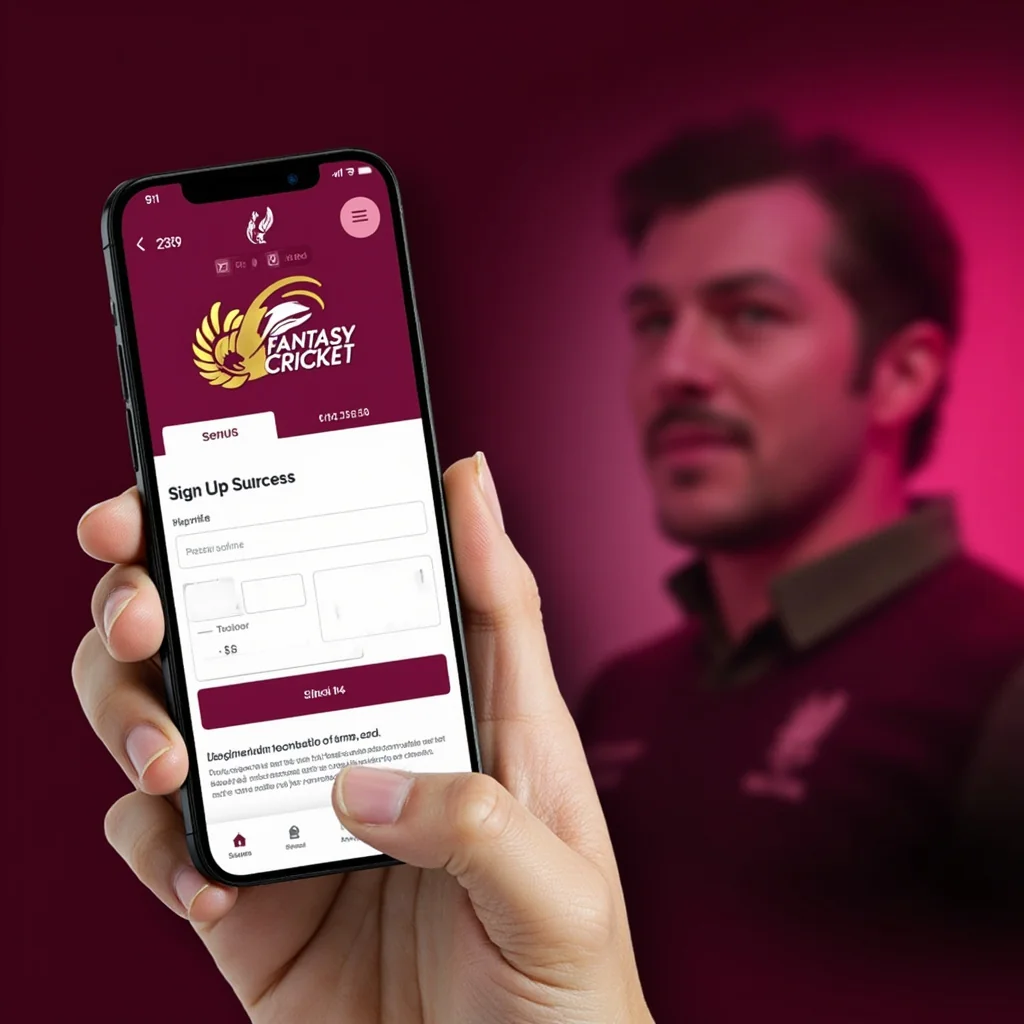
Signup flow after download
MPL — Android & iOS
Download from Google Play (search "MPL - Mobile Premier League"). iOS: App Store. First launch: pick "Cricket" as the primary sport to avoid non-cricket promotions. App size: ~95 MB Android, ~120 MB iOS.
App screen detail breakdown
Vision11 — Android & iOS
Download from Google Play (search "Vision11"). iOS: App Store. App size: ~50 MB Android, ~70 MB iOS. First launch: disable the bonus pop-up reminders in settings.
MyFab11 — Android & iOS
Download from Google Play (search "MyFab11"). iOS: App Store. App size: ~45 MB Android, ~60 MB iOS.
Fan2Play — Android & iOS
Download from Google Play (search "Fan2Play"). iOS: App Store. App size: ~55 MB Android, ~70 MB iOS.
BalleBaazi — Android & iOS
Download from Google Play (search "BalleBaazi"). iOS: App Store. App size: ~50 MB Android, ~65 MB iOS.
PlayerzPot — Android & iOS
Download from Google Play (search "PlayerzPot"). iOS: App Store. App size: ~45 MB Android, ~55 MB iOS.
Paytm First Games — Android & iOS
Download from Google Play (search "Paytm First Games"). iOS: App Store. Note: requires a Paytm wallet for full functionality. App size: ~110 MB Android, ~140 MB iOS.
11Wickets — Android & iOS
Download from Google Play (search "11Wickets"). iOS: App Store. App size: ~40 MB Android, ~55 MB iOS.
First-launch checklist
Five things to do on first launch of any fantasy cricket app. Enable notifications for contest alerts. Set a deposit limit on day one. Read the bonus terms before claiming. Open two-factor authentication in security settings. Pin the app to your home screen for fast access during match hours.
Install on Android (step by step)
Step 1: open Google Play, search the platform name. Step 2: tap install, accept the permissions. Step 3: open the app, tap sign up, enter mobile number, get OTP. Step 4: complete profile fields. Step 5: open KYC and upload documents. The walkthrough mirrors the sign-up page on this site.
Install on iOS (step by step)
Step 1: open App Store, search the platform name. Step 2: tap Get, authenticate with Face ID. Step 3: open the app, tap sign up. Step 4: enter mobile, get OTP. Step 5: complete profile. iOS install is faster than Android in most cases.
Permissions each app requests
Standard permissions across all 10 apps: storage (for KYC document upload), notifications (for contest alerts), location (for state-restriction compliance). Some apps request camera (for Aadhaar scan). All permissions can be denied except notifications, which most players want enabled.
Storage optimisation
If you are running multiple apps for platform rotation, the combined storage footprint is ~700 MB. On devices with limited storage, rotate apps — install the contest-day platform, run the contest entry, uninstall if not using for 7+ days. Re-install before next contest window.
App updates and version tracking
Update apps within 7 days of any platform update notice. Some updates tighten security; some add new contest formats; some fix UI bugs during live matches. Auto-update is fine for these apps; the changes are generally positive.
Common install issues
Three install issues and fixes. App not on Google Play in your region — switch app-store region (most apps are global). Install hangs at 99% — clear Google Play cache and retry. App opens but crashes on first launch — restart device and try again. Each issue resolves within 5 minutes.
Are the apps free to download?
Yes — all 10 apps are free on Google Play and App Store.
Do the apps work on older phones?
Most require Android 8+ or iOS 14+. Older phones can run but the live leaderboard may lag.
Which app has the smallest install size?
11Wickets (~40 MB Android). Lightest in the segment.
Should I install on multiple devices?
Yes, but log out of inactive devices. The platform device list shows all active sessions; review weekly.